

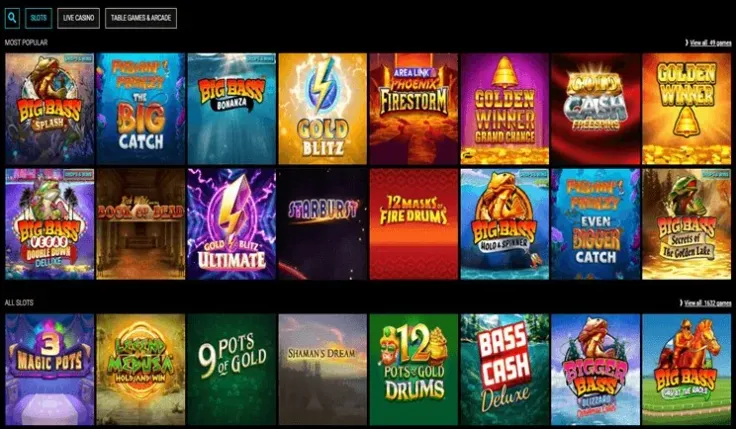
There is no VoodooDreams app for iPhone, so there is nothing to find in the App Store. On an iPhone you play through the mobile site in Safari. Nothing needs to be downloaded or installed on the device, and the site opens straight from the browser.
If you already have an account, you can log in from Safari. If you are new, you can sign up in the same browser. Both routes take place on the website itself, so the same page works whether you are signing in for the first time or returning to play.
Because every session runs in the browser, the quality of your game depends on the connection you have at the time. The rest of this page explains what to expect when you play that way and how to keep your account secure on the phone.
What you can do on your phone
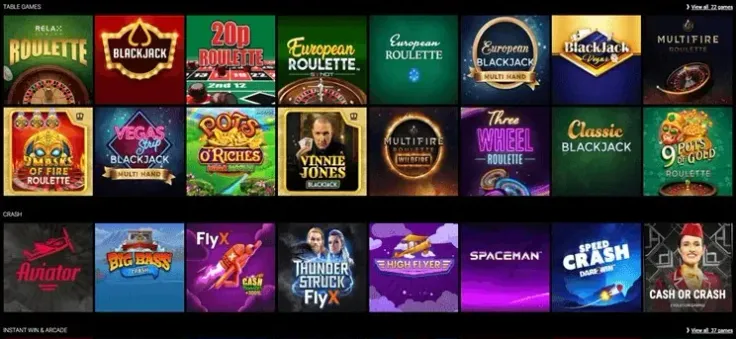
The mobile version is the way to play VoodooDreams on an iPhone. It is a web page, so it follows the same structure as the site on a computer, but the layout is adjusted for a smaller screen. Menus, game lobbies and the account area are all reached by tapping, not by clicking with a mouse.
The main difference from a desktop is the connection. Pages and games load over Wi-Fi or mobile data, so a weak signal can slow a round, freeze a screen or interrupt a session. Wait for a stable connection before you start a game, and avoid switching networks in the middle of a round if you can.
A small screen also makes it easy to tap the wrong control. Before each round, check the stake and the bet shown on the screen. Take your time with every tap, and do not rely on muscle memory from another game you have played on a different device.
Turning the phone sideways may change the layout of some pages and games. If a game does not fill the screen the way you expect, check the controls again before you continue, as the buttons may have moved.
Because the mobile site is a web page, it does not work offline. You need a connection to log in, load a game and play it. If the connection drops, the page may need to reload when you return, so check your balance and any open transaction once you are back online.
Read the game information before you start. Each game has its own rules, paytable and features, and the details are shown in the game itself. Knowing how a feature is triggered and what the maximum win is helps you decide how to play before you place a stake. Results are random, so no pattern or timing will change what happens next.
Playing in the browser instead of an app

Since there is no iOS app, there is nothing to install. The only setup is opening the site in Safari. The steps above cover the first visit, including the home screen shortcut, which lets you open the mobile site with one tap after that.
Start from visit VoodooDreams to reach the mobile site. Use the address shown in your browser to check that you are on the right page before you log in, and if a page does not load, check your connection and try again after a moment. Clearing a page that is stuck is usually the quickest fix, but do not close the tab in the middle of a transaction until you have seen its result.
Avoid any page, link or file that claims to be a VoodooDreams iPhone app. There is no such app, so a download offering one does not lead to the casino and should not be opened. The same applies to messages that ask you to install something to unlock the site.
Safari keeps your history and may store login details, depending on your settings. If you share the phone, review what the browser keeps before you hand it over. Private browsing does not keep a history on the device, but it also means you will need to log in again each time you open the site.
If you use the home screen shortcut, remember that it simply opens the mobile site. It is not a separate program, and it does not work without a connection.
Keeping your account safe on a phone

Protect the iPhone itself with a passcode or Face ID, so nobody else can open the browser or reach your account. Turn on automatic screen locking so the phone locks quickly when you put it down. Log out when you hand the phone to someone else, and do not leave your account open on a shared device.
Avoid logging in over public Wi-Fi that you do not trust. Many players find mobile data simpler for this, because it does not depend on a network you cannot check. Keep your login details to yourself, and do not save them in a note or message where others could read them.
Mobile data is charged according to your plan. Check your allowance before a long session, so you know how much data a game uses as well as how much money you have chosen to spend. If you are on a limited plan, keep an eye on your usage while you play.
UK-licensed operators must offer deposit limits, time-outs and self-exclusion. If you want to set a limit or take a break, use these controls after you log in. You can review the options on the safer gambling page before you deposit, so the controls are ready when you need them.
If gambling is causing you concern, GamCare runs the National Gambling Helpline, which offers free support to anyone affected by gambling.
<<